Apex Legends
Crossplay
This page is our investigation of crossplay game Apex Legends. We always verify information manually using official sources - no AI.

Variation no. 1:
Yes, Apex Legends has full cross-play support; players on PlayStation 5, PlayStation 4, Xbox X|S, Xbox One, Nintendo Switch, and PC (via Steam, EA App) can play together.
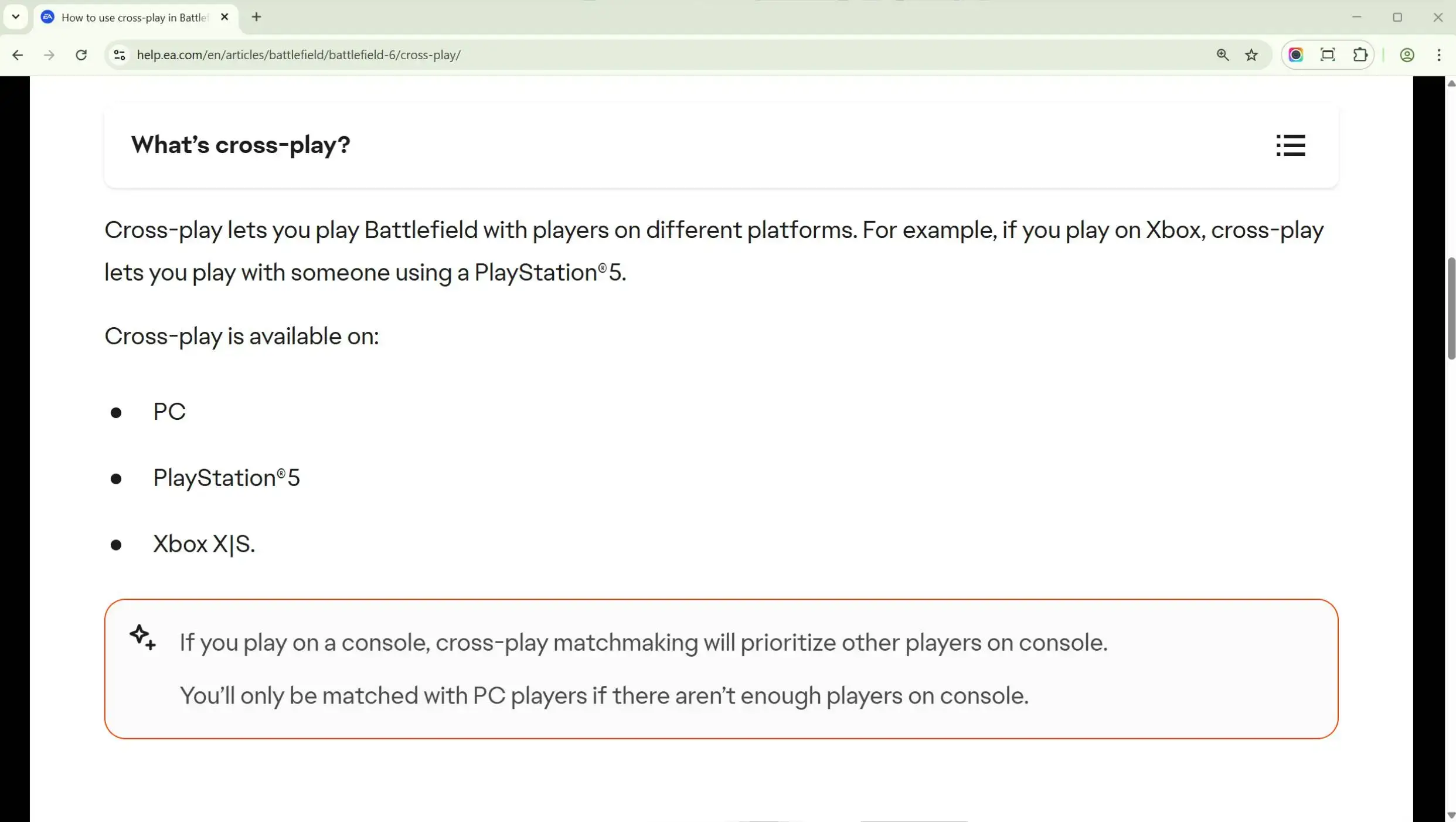
This information is taken from the official EA help center, which you can check for yourself by following this link.
Apex Legends received cross-play support on October 6, 2020, with the start of a new season called "Aftermarket".
How cross-play works in Apex Legends?
Apex Legends is a gold standard of cross-play implementation, but unfortunately, not many other games use this approach.
Apex Legends has 2 types of cross-play lobbies:
- Console: only players from PlayStation, Xbox, and Nintendo Switch.
- PC: players from PC, and any other platform, but only in case they are in a party.
So if you are a console player, you will never meet PC players in your matches, whether you are playing solo or in a party with only console players.
If you are a console player, and your friend is a PC player (or vice versa), you can create a in game party (on the main screen, you see the plus icons), and because in your party is a person from PC, you will play only in PC lobbies while being in the same party.
This is not very fair for PC players, because they can't opt out of console players, but unfortunately, there will never be such an option.
How to turn off cross-play
If you are on PC, unfortunatly there are no way to turn off the cross-play, so only console players can turn it off.
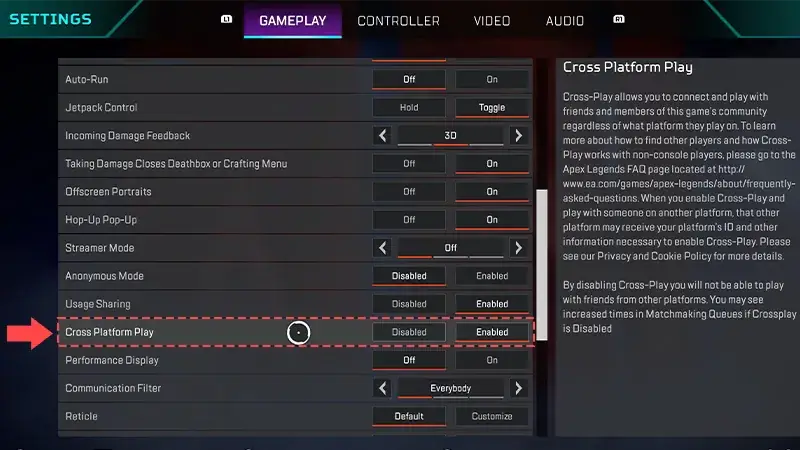
If you are a console player (PlayStation, Xbox or Nintendo Switch), you can turn off/on the cross-play from game menu. For this just go to Settings -> Gameplay, scroll a little down until you find the "Cross Platform Play" option.
Should I turn off the cross-play?
No, you don't really need to turn the cross-play off, if you are playing on console (PlayStation, Xbox or Nintendo Switch) you will never see the PC player, and because everyone is playing with this cross-play enabled you will never find a match.
Aim assist strength
Aiming to assist in console lobbies and in PC lobbies has different strengths.
- PC but with controller (not MNK): your aim assist strength is 0.3.
- Console only: your aim assist strength is 0.6.
- Console but in PC lobby: your aim assist will be reduced to 0.3.
These changes were introduced in Season 22 because of how OP aim assist was